Creator rights
Copyright Free Music for Streamers: Surviving Multi-Platform Use
Copyright free stream music is not always safe for every use. Know how to build a rotation that covers live, clips, and VODs. Verify rights for every platform.

Tarun YadavPublished September 29, 2026 · 6 min read · Search intent: informational
The short answer
Copyright free music for streamers can reduce takedowns, but each platform has its own rules. A track cleared for live streaming on Twitch may still trigger a claim when a clip is uploaded to YouTube or TikTok. You need to check licenses for every use: live, VOD, and especially for clips that get reposted. Always re-check terms and content ID details before distributing.
Streamers face three distinct surfaces: live broadcasts, VODs, and short clips. Each surface carries its own audio risks. A track that is safe for a live session might trigger a copyright claim when the same content is clipped and uploaded elsewhere. Even if you use music labeled as copyright free, you cannot assume coverage on every site. One rotation must survive all three surfaces, or you face takedowns and muted segments.
Platforms like Twitch, YouTube, and TikTok each apply their own content ID or audio scanning systems. A piece of music that is labeled as copyright free for streams may not be cleared for clips, especially if the original creator has registered their work with a rights management service. You need a rotation that works across platforms and surfaces, rather than only the one you stream on. Always check the terms before reusing music.
One rotation, three surfaces: live, clips, VODs
Building a music rotation for streaming is more complex than it looks. Live streams often escape automated detection. VODs, however, can be scanned after the broadcast ends. Clips, the short highlights you or viewers export, face the strictest rules: they are often uploaded to different platforms with new audio scans. A track that looked clear in your live session can trigger a claim or mute in a clip on YouTube.
Many streamers overlook the distinction between surfaces. If you only check music for live use, you risk later takedowns when uploading VODs or clips. For example, Twitch may mute VOD audio while allowing your live show. YouTube can issue copyright strikes on clips, even for music that was safe on Twitch. To avoid these surprises, build your rotation with all three surfaces in mind from the start.
- Live streams have lower automated detection
- VODs can be muted post-stream
- Clips face new scans and rules
What 'copyright free' does not guarantee
'Copyright free' is a marketing term, not a legal guarantee. Many libraries use it to mean the music can be streamed or included in videos. In practice, rights may be limited to specific platforms or uses. Some tracks still get registered in YouTube Content ID or other systems. This means your 'copyright free' song can be claimed if a publisher, distributor, or composer later changes their rights registration.
Always read the license attached to your music source. Some licenses only cover live streaming, others extend to VODs but exclude edited clips. YouTube Content ID can claim even royalty free or self-produced music if it is registered by aggregators. If you remix or edit tracks, new rights may apply. Relying on the label alone is risky. Verify each track before using it in your rotation.
- 'Copyright free' is not a legal term
- Licenses may exclude clips
- Content ID claims can override labels
Multi-platform copyright free music checks
Every platform has its own approach to audio rights. Twitch, YouTube, TikTok, Facebook, and Instagram each scan uploaded content for music matches. A song you use for a Twitch stream may not be cleared for a YouTube clip, even if both platforms claim to allow 'copyright free' music. Before reusing any music, check the license for explicit coverage on every platform where your content will appear.
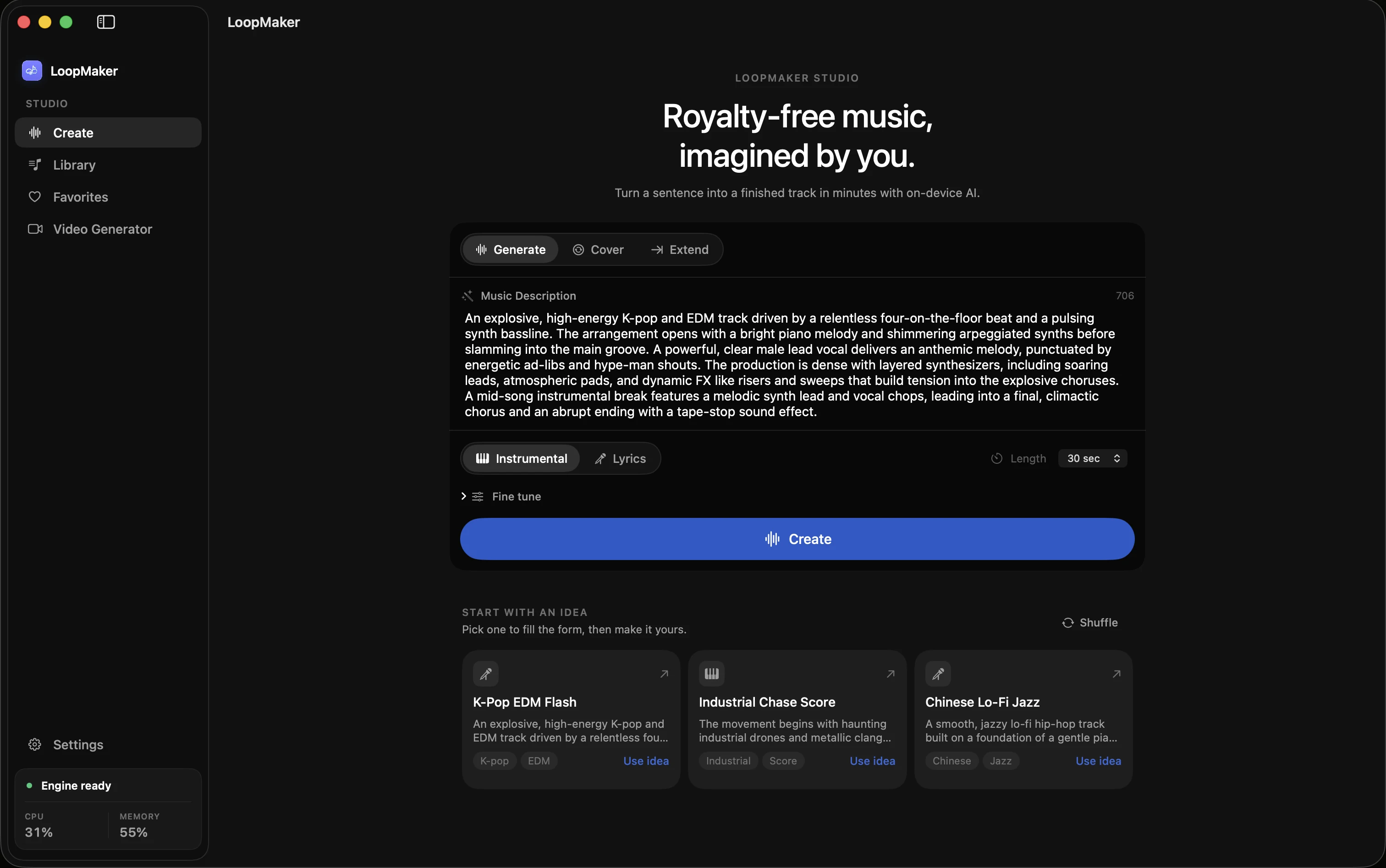
YouTube Content ID is especially aggressive with short clips and edited highlights. Even music you produced yourself can be flagged if a distributor registered it in Content ID. If your music provider offers a whitelist or pre-cleared list for YouTube, check for the specific track and version. For music generated or edited in apps like LoopMaker, review their export and licensing terms before sharing on new platforms.
- Each platform scans audio differently
- Check licenses for every upload site
- Content ID can flag even self-made tracks
Starter rotation: three genres, one policy
For practical coverage, build a starter rotation with tracks that are cleared for all three surfaces: live, VOD, and clips. Pick three genres that fit your channel-such as electronic, hip hop, and ambient. Use music libraries that publish clear, written multi-platform licenses. Test each track by uploading a short, unlisted clip to YouTube and TikTok to check for claims before making it public or using it in a highlight.
LoopMaker exports instrumental beds in WAV and M4A, suitable for most platforms. Always keep proof of your license or export source. If you switch genres or add new tracks, re-test them on each platform. For best results, maintain a spreadsheet of your rotation, license links, and results of your test uploads. This avoids surprises and lets you swap tracks quickly if a claim does occur.
- Build a genre-diverse rotation
- Test tracks on YouTube and TikTok
- Keep proof of licenses
Frequently asked questions
Where do streamers find copyright free music?
You can find copyright free music for streamers in libraries like YouTube Audio Library, Streambeats, and Pretzel. Some AI tools like LoopMaker export instrumental beds for local use. Always check each library's license terms for live, VOD, and clip coverage. Avoid using tracks from random sites without written licenses. Keep documentation for every track in your rotation in case you need to dispute a claim.
Is copyright free music safe on every platform?
No, copyright free music is not always safe on every platform. Platforms like YouTube use Content ID, which can claim tracks even if you have a license. Some music libraries only clear use for certain platforms or surfaces. Always verify the license and test your tracks by uploading private or unlisted videos to check for claims before going public. Re-check terms as policies can change.
Can I repost my stream clips with the same music?
You can repost stream clips with the same music, but you must check the license for each platform. A track cleared for Twitch live streams may not be cleared for clips uploaded to YouTube or TikTok. Some music gets flagged by Content ID even if it is labeled copyright free. Always test with a short, unlisted upload and keep your license documents ready for disputes.
What happens if my clip is claimed?
If your clip is claimed, the platform may mute your audio, block the video, or direct ad revenue to the claimant. Some platforms allow disputes if you have a valid license, but this process can take days or weeks. If you cannot resolve the claim, remove or replace the music in your clip. Keep backup copies of your content without music in case you need to re-edit.
Sources and testing notes
- Twitch Community Guidelines — First-party rules on rights for music and other streamed content.
- Twitch DMCA and copyright FAQ — First-party explanation of DMCA notices, strikes, and retractions.
- Creative Commons Attribution 4.0 — Primary license page for attribution-based reuse.
- Creative Commons Attribution-NonCommercial 4.0 — Primary license page showing the noncommercial condition.
- LoopMaker product pages and current guardrails — checked September 29, 2026. This entry describes practical starting points, not guaranteed output or rights.
Build a safe rotation
Protect your streams, VODs, and clips with a tested, license-backed music rotation. Check every track before use and keep clear records. More tips and practical guides at the LoopMaker journal.