Creator rights
Twitch Safe Music: Practical Classifications and Actions
Classify every track as licensed-library, public domain, self-made, or unknown. Know how to handle flags, VOD mutes, and streamer music rules for Twitch compliance.

Tarun YadavPublished September 28, 2026 · 6 min read · Search intent: informational
The short answer
Use only music you have clear rights to: public domain, your own compositions, or licensed-library tracks. Never assume a song is Twitch safe music based on popularity or personal ownership. If you use unknown or consumer streaming music, you risk mutes or DMCA strikes. Enforcement varies, but a simple classification method and clear documentation help you handle any flag.
Twitch safe music is not a guessing game. You need a fast, reliable way to decide what you can play on stream and what you must avoid. Tracks fall into four practical classes: licensed-library, public domain, self-made, or unknown. Each class has its own risks and rules. By classifying every track before you play it, you make smarter choices and avoid common mistakes. Twitch does not guarantee safety for any music class, but some are much safer than others.
Playing music live on Twitch is not the same as listening at home. A personal streaming subscription does not grant you broadcast rights. Many streamers learn this the hard way-by getting muted or struck. Your goal is to keep your channel safe and your content live. Enforcement is inconsistent, but music industry bots and Twitch systems apply the official rules. A decision-first approach protects you when rules change or a new flag appears.
Four music classes for Twitch safe music
Every track you consider for your stream fits in one of four classes. Licensed-library music is anything you obtain from a rights-cleared source, often labeled as royalty-free or Twitch safe music. Public domain covers music where copyright has expired everywhere, rather than only in one country. Self-made means you composed, recorded, and own every part-no samples or borrowed stems. The unknown class includes anything that does not clearly fit above.
Treat each class differently. For licensed-library, keep your proof of license ready. Public domain works are usually safe, but check details for each country. Self-made tracks are safest if you created every note and sound. Unknown tracks are risky: avoid or replace them. Never assume a consumer streaming service grants you rights. For example, even if you bought a song on iTunes, you cannot play it on Twitch without extra permissions.
- Keep license docs for every library
- Check public domain status for every track
- Log your own work with dates and files
The live stream versus the VOD
Playing music live feels different from what ends up on your Twitch VOD. Twitch uses automated tools to scan VODs for copyright issues, but live streams get less real-time scrutiny. This means you might get through a session without a problem, but find your VOD muted or flagged later. Some music gets flagged only after a delay, as bots catch up. Enforcement can change at any time, especially if rights holders pressure Twitch.
Always plan for the VOD. If you want your streams to live on, use only music that passes your classification test for Twitch safe music. Mutes on VODs are common for commercial tracks, even if no DMCA strike arrives. If you care about highlights or replays, do not risk unknown or consumer streaming music. You might get lucky on the live side, but the VOD is where most copyright filters act.
- Live streams are less often flagged in real time
- VODs get scanned and muted more strictly
- Plan music for VOD safety first
What to do when something is flagged
If Twitch mutes your VOD, review the flagged section. Check your log for the track class. If it was licensed, find your proof. For public domain or self-made, prepare to contest. If the track was unknown or consumer streaming, remove it from future streams and highlights. A mute is not a strike, but repeated flags increase risk. Twitch rarely reverses mutes unless you show clear rights.
A DMCA strike is more serious than a VOD mute. If you get a strike, act fast: check your classification log, then file a counter if you have rights. If you cannot prove rights, accept removal and update your process to prevent repeats. Twitch may suspend or ban channels with multiple strikes. Use each flag as a practical audit: refine your music choices and documentation.
- VOD mute is a warning, not a penalty
- Submit proof only if you have it
- Remove risky tracks after a flag
Keeping a simple compliance log
A compliance log is your best defense. Make a table: track name, source, class, and proof (link, file, or doc). For self-made tracks, save the project file and a dated export. For licensed or public domain, keep a copy of the license or source. Update your log whenever you add new music. This record is your proof if Twitch flags your stream-quick to check, easy to update, and clear for disputes.
Use digital folders to back up the log and all supporting files. Label everything with dates and session notes. If you stream often, review your log weekly to catch mistakes. The log makes it easy to audit yourself and answer Twitch or rights holders quickly. Over time, you will spot patterns-tracks that get flagged, licenses that expire, or sources that change terms. A good log keeps your channel safe and your workflow simple.
- Table with track, source, class, proof
- Back up log and music files
- Review and update weekly
Frequently asked questions
What music can I safely play on Twitch?
You can safely play music you created yourself, tracks from properly licensed libraries, or verified public domain recordings. Avoid consumer streaming services and anything unclear. Always check that your license or public domain claim covers both live streams and VODs. Keep documentation for every track. Policies and enforcement change, so review Twitch music rules and rights sources regularly to stay safe.
Is it safe to play Spotify on stream?
No, playing Spotify or any consumer music streaming service on Twitch is not safe. A personal subscription does not grant broadcast rights. You risk VOD mutes or DMCA strikes. Spotify terms prohibit public performance. Use only music from licensed libraries, public domain, or your own work. Always check current Twitch and service policies, since enforcement can change at any time.
Do muted VODs mean I am in trouble?
A muted VOD is a warning, not a penalty. Twitch mutes VODs automatically when its system detects music that may violate copyright. This is not a DMCA strike, but repeated mutes can lead to more scrutiny. Check your music log and remove flagged tracks from future streams. Save all your rights documentation in case you need to dispute a flag.
How do I make my own stream music?
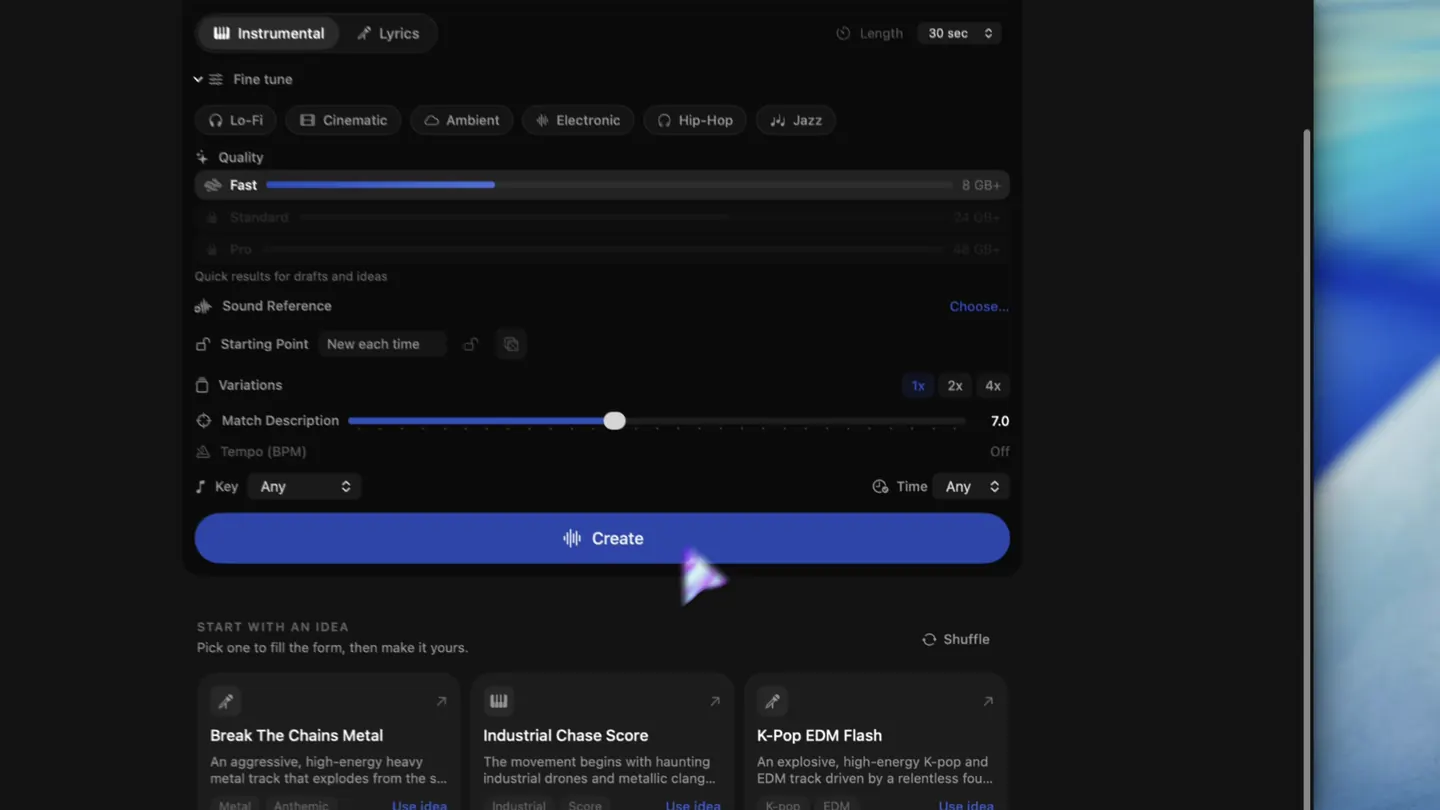
You can compose music with DAWs, hardware, or local AI tools like LoopMaker for Mac. LoopMaker generates instrumental sketches and loops locally after setup. Export WAV or M4A, log your work, and save project files as proof. For vocals or polished full songs, cloud AI services may still lead. Always check the rights on any tool or sample you use, and keep a log for every track.
Sources and testing notes
- Twitch DMCA and copyright FAQ — First-party explanation of DMCA notices, strikes, and retractions.
- Twitch Community Guidelines — First-party rules on rights for music and other streamed content.
- Twitch muted-audio appeals — First-party guidance showing automatic VOD muting is separate from copyright strikes.
- U.S. Copyright Office: Music and copyright — Primary-source explanation that compositions and recordings are separate works.
- LoopMaker product pages and current guardrails — checked September 28, 2026. This entry describes practical starting points, not guaranteed output or rights.
Protect your stream with clear choices
Classify your music, keep your log, and review flagged tracks right away. LoopMaker helps you create self-made tracks for streaming without guesswork. Check rights and stay ready for policy changes.