Latest articles
Useful AI music notes for the work in front of you.
24 researched articles on prompts, creator workflows, local Mac production, buying decisions, exports, and rights-aware handoffs. ↗
Prompt control
↗
Prompt control
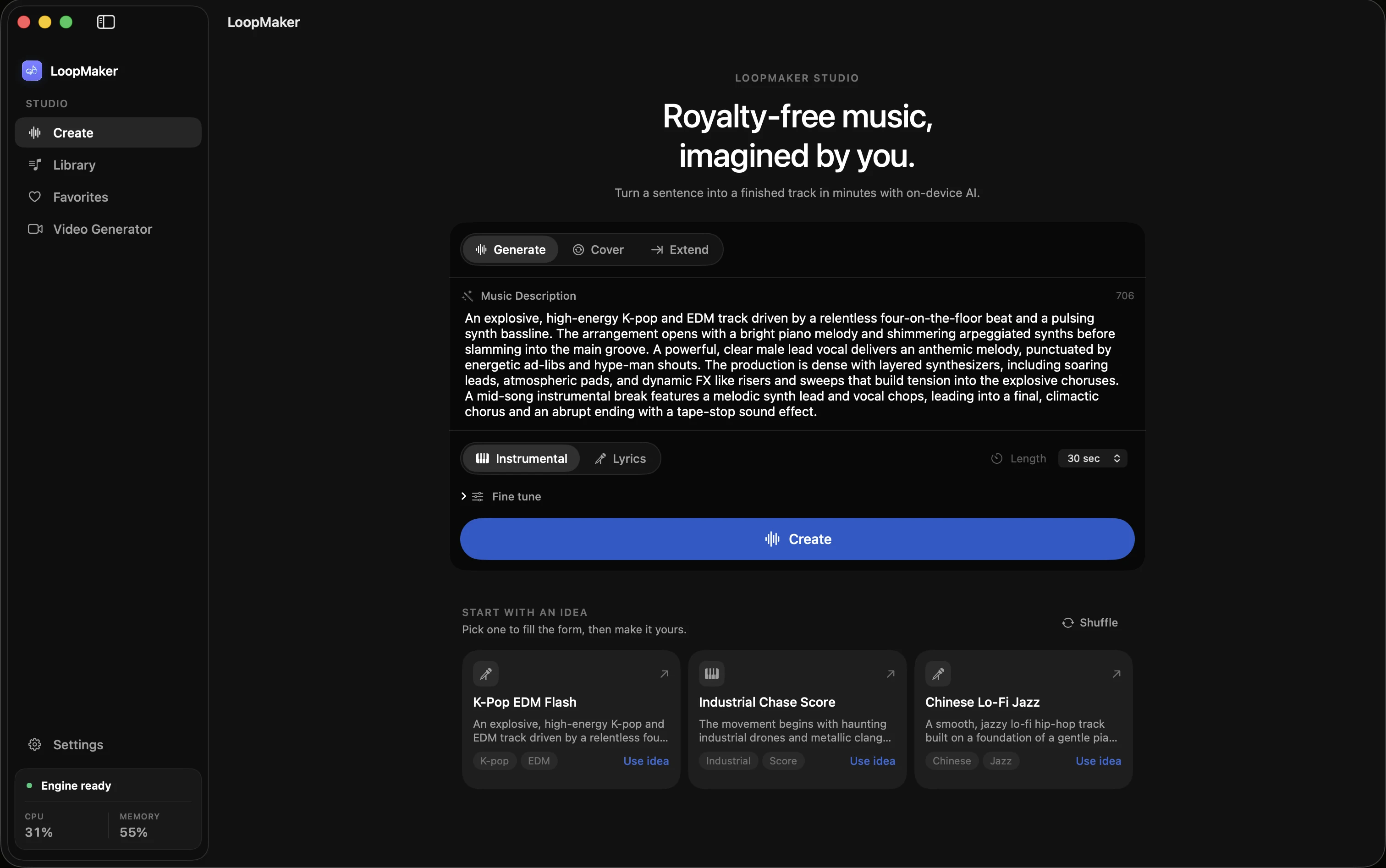
AI instrumental generator: build a no-vocal track you can revise
No-vocal music becomes useful when the prompt describes the job, gives instruments clear roles, and leaves you a sensible next change after the first render.
 Tarun Yadav
 ↗
Prompt control
↗
Prompt control
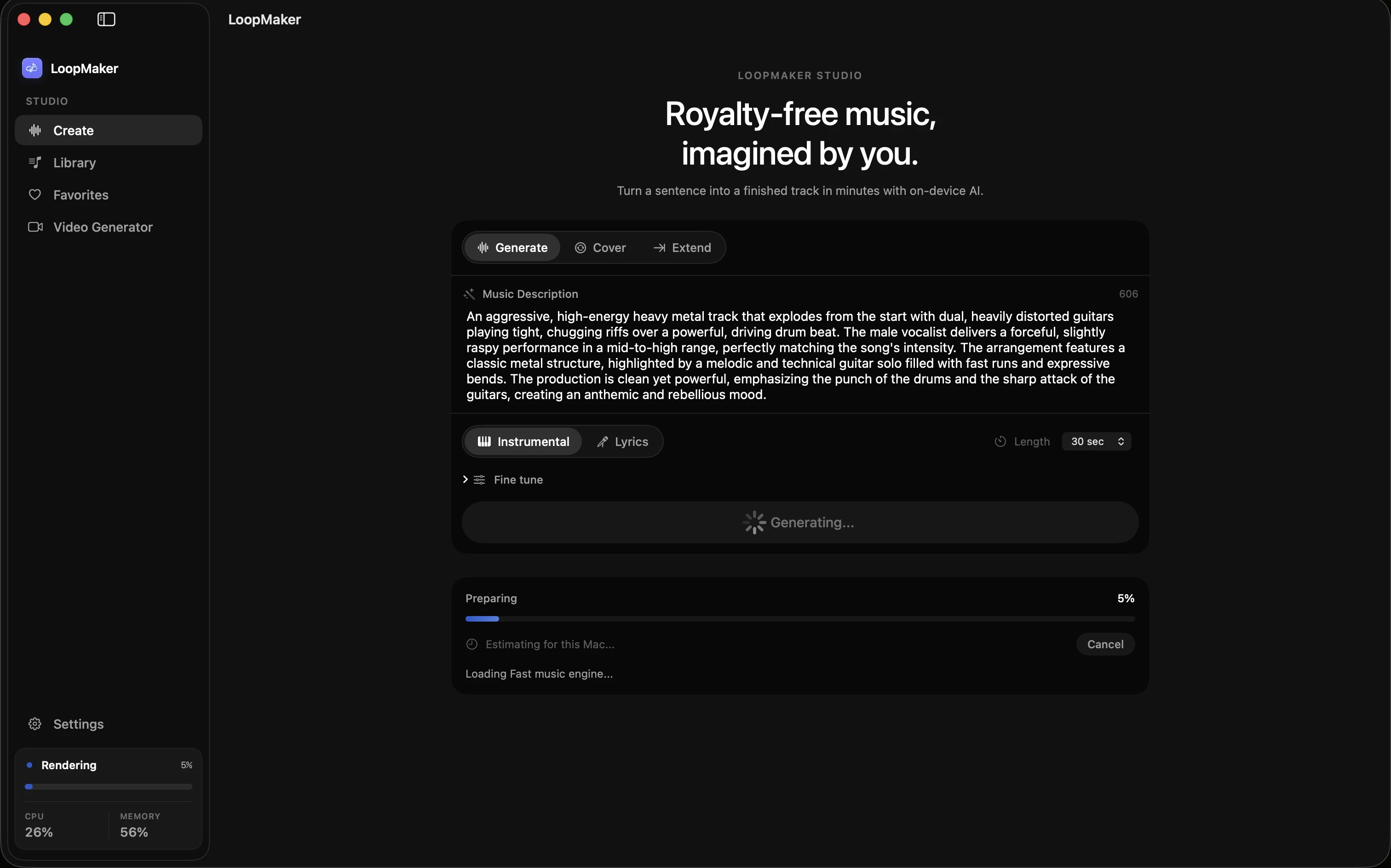
AI beat maker: go from groove brief to a usable instrumental
A beat prompt is more useful when it specifies pocket, drum roles, bass relationship, and how the loop should develop—not only a genre label.
Tarun Yadav
 ↗
Prompt control
↗
Prompt control
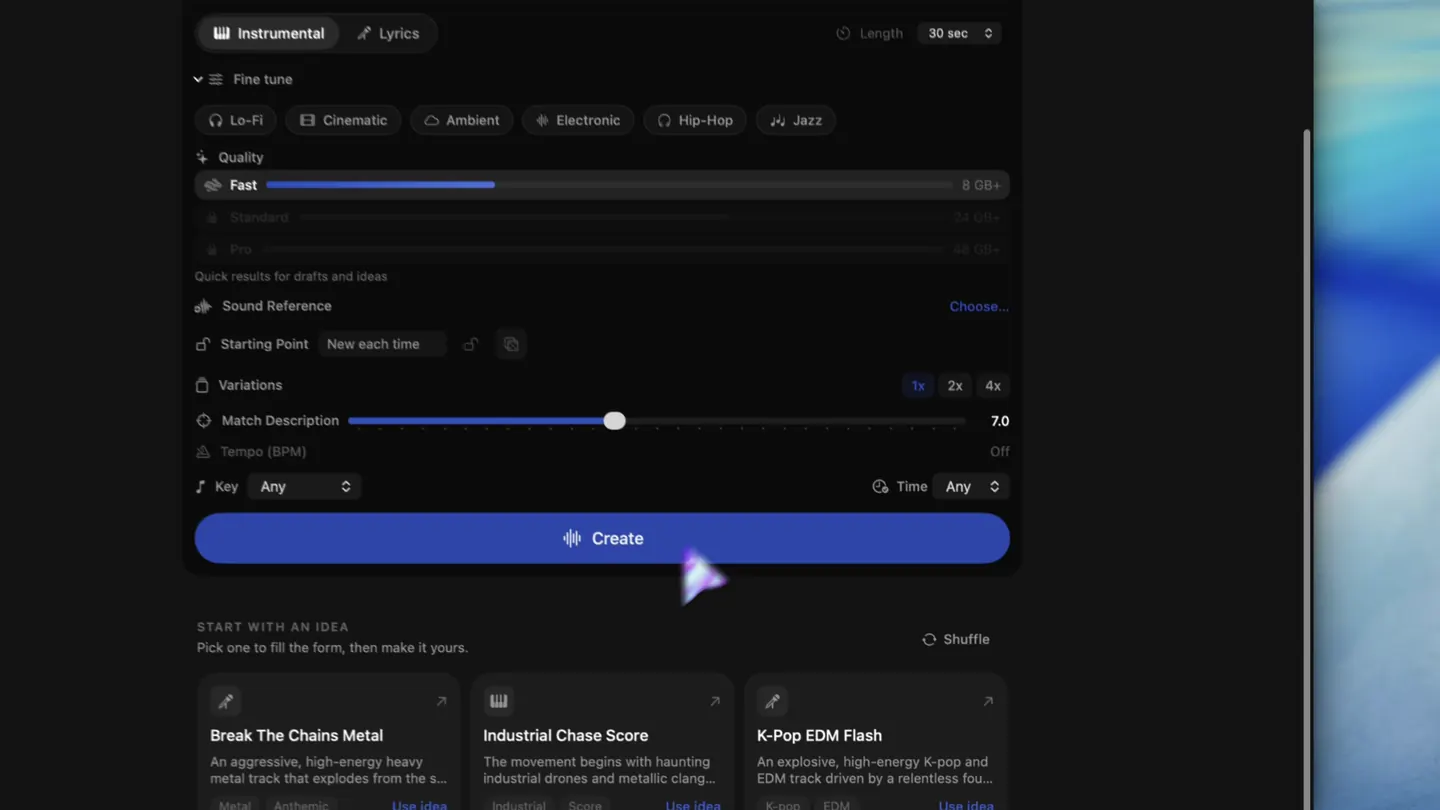
AI beat maker for rap: specify the pocket before the polish
Rap-ready beats need a pocket, a vocal lane, and enough arrangement contrast to support verses and hooks without turning every bar into a climax.
Tarun Yadav
01 · Prompt control
Make the brief more controllable.
↗
Instrumental workflow · field note
AI instrumental generator: build a no-vocal track you can revise
No-vocal music becomes useful when the prompt describes the job, gives instruments clear roles, and leaves you a sensible next change after the first render.
Tarun Yadav
↗
Beat workflow · practical guide
AI beat maker: go from groove brief to a usable instrumental
A beat prompt is more useful when it specifies pocket, drum roles, bass relationship, and how the loop should develop—not only a genre label.
Tarun Yadav
 ↗
Rap production · usable brief
↗
Rap production · usable brief
AI beat maker for rap: specify the pocket before the polish
Rap-ready beats need a pocket, a vocal lane, and enough arrangement contrast to support verses and hooks without turning every bar into a climax.
Tarun Yadav
 ↗
Vocal generation · review workflow
↗
Vocal generation · review workflow
AI music generator for vocals: make a vocal result you can review
Vocal generation is two problems at once: does the song brief work, and does the performance deliver the words? Keep those decisions visible.
Tarun Yadav
↗
Lyrics workflow · structure first
AI music lyrics with verse and chorus tags: make the structure visible
Clear section labels do not force a perfect song, but they give the generator and the reviewer a better surface for comparing lyric and arrangement decisions.
Tarun Yadav
↗
Tempo and harmony · verification guide
BPM and key for AI music prompts: set with a reason, verify the file
BPM and key are useful coordinates when the edit or musical relationship needs them. They are not a substitute for listening to what the generator actually rendered.
Tarun Yadav
02 · Creator use cases
Start from the scene that needs music.
↗
Creator workflow · scene support
AI background music generator: make music that supports the scene
Background music is a placement problem: define the foreground, the energy ceiling, the change points, and the ending before you ask for more atmosphere.
Tarun Yadav
↗
Podcast production · speech-first guide
Background music for podcasts: protect the voice before the vibe
Podcast music works when the bed respects words, breath, and edit points. Use the AI prompt to define those relationships before choosing extra texture.
Tarun Yadav
↗
YouTube workflow · rights-aware guide
AI music for YouTube videos: build the brief before you publish
The creative brief and the rights check are separate steps. Make the music fit the edit, then verify the current terms and YouTube guidance before delivery.
Tarun Yadav
↗
Game audio · prototype workflow
AI music for game development: write the loop brief before the lore
Game music must survive repetition, state changes, and implementation. Prompt the loop, intensity, and handoff behavior before decorating the world with adjectives.
Tarun Yadav
↗
Film edit · temp score workflow
AI temp score for film edits: time the emotion, then leave room
A temp score is a communication tool for the edit. Prompt the scene’s emotional turn and timing without pretending the first render is the finished composer’s answer.
Tarun Yadav
↗
Advertising · brand cue workflow
AI music for ads: write a brand cue without overfitting the prompt
An ad cue has seconds to establish a feeling and support a reveal. Give the generator the brand tension, edit beats, and a memorable but usable motif.
Tarun Yadav
↗
Short cues · handoff workflow
AI music for jingles, intros, and outros: keep short cues useful
Short cues need a single identity, a clear entrance, and an ending the edit can actually use. Make the duration and handoff part of the brief.
Tarun Yadav
↗
Twitch music rights · checked Sep 11, 2026
DMCA-safe music for Twitch: verify the rights before you go live
A “DMCA-safe” playlist label is not legal clearance. Twitch expects streamers to have the rights needed for live audio, and saved VODs, clips, monetization, and license changes can create separate questions.
Tarun Yadav
03 · Production and handoff
Carry the idea through production.
↗
Cover mode · source-aware workflow
AI music cover workflow: treat the source as a constraint, not a shortcut
A cover or transformation request is only as good as the source clip, the amount of change you want, and the review you do after the render.
Tarun Yadav
↗
Extend mode · continuation guide
Extend an AI music track: preserve the ending or rewrite it
A good extension starts by deciding what the existing track has already promised—and whether the next section should continue, contrast, or close it.
Tarun Yadav
↗
Iteration · comparison method
AI music variations: compare one change at a time
More generations do not automatically create more learning. A variation workflow is useful when the input, changed variable, and listening question are all visible.
Tarun Yadav
↗
Export workflow · handoff guide
WAV vs M4A for music exports: choose the file for the next handoff
WAV is the safer source for editing and processing; M4A is convenient for previews and smaller files. The right choice depends on what happens next.
Tarun Yadav
↗
Reference audio · responsible workflow
AI music reference audio: use a short reference responsibly
A reference clip should communicate a musical attribute, not smuggle an entire song into a new prompt. Define the target, verify permission, and listen for unwanted carryover.
Tarun Yadav
↗
Apple Silicon · hardware planning
AI music on a 16GB Mac: plan the render before you press generate
A 16GB Mac can be a practical local music machine when you plan available memory, model tier, duration, batch size, storage, and the work happening around the render.
Tarun Yadav
↗
Open models · practical explainer
Open-source AI music generator: separate the model from the promise
“Open source” can describe code, weights, a demo, or a community project. Check the actual license, setup, hardware, and output terms before building a workflow around it.
Tarun Yadav
04 · Choosing a music generator
Choose the payment model and Mac workflow that fit.
↗
Mac buyer’s guide · checked Sep 11, 2026
AI music generator one-time purchase for Mac: what you actually buy
Pay-once AI music software exists on Mac, but “one-time purchase” can mean the generator itself, a fixed credit bundle, or a perpetual license to one track. Compare those before comparing sticker prices.
Tarun Yadav
↗
Payment models · checked Sep 11, 2026
AI music generator without a subscription: four ways to avoid a monthly plan
You can generate AI music without a recurring subscription through free tiers, pay-as-you-go services, one-time local software, or self-hosted models. Each removes a different recurring cost and adds a different limit.
Tarun Yadav
↗
Apple Silicon · local AI music guide
AI music generator for Apple Silicon Mac: check unified memory, not just the chip label
Apple Silicon now has credible local music-generation options, but M-series compatibility is only the first filter. Unified memory, model size, backend, storage, duration, and your other open apps decide what feels practical.
Tarun Yadav
Method and evidence
Useful pages should show where the advice stops.
Product, platform, pricing, hardware, and rights claims are tied to current sources wherever they can change the decision.
Make the next idea local.
One-time $49 license · No generation credits or subscription