Creator rights
No Copyright Music for Twitch: Avoiding Monetization and Branding Pitfalls
Most no copyright music for Twitch is not as free as it looks. Learn why, see the traps, and follow a clear path to verify music for safe, monetized streaming.

Tarun YadavPublished September 27, 2026 · 6 min read · Search intent: informational
The short answer
No copyright music for Twitch is a search term that can easily mislead you. Tracks labeled as no copyright or free Twitch music often come with complex terms. Many are noncommercial, require attribution, or have restrictions for brands and monetized channels. To use music safely on Twitch, read the license for every track, verify the usage rights, and keep a record of the terms in case of future disputes.
The hunt for no copyright music for Twitch brings up thousands of tracks with promises of safety and freedom. As a streamer, you need music that is both catchy and safe: it should not trigger takedowns, mute your VODs, or put your channel at risk. The truth is, most free Twitch music and so-called non copyrighted music for Twitch has a license that can bite back. One wrong click and your brand channel or monetized stream could be in trouble.
You might see music library for streamers posts listing NCS-style channels, YouTube playlists, and Creative Commons uploads. These sources look easy, but most come with conditions that can hurt monetized creators or branded streams. A free track can still have noncommercial clauses, demand attribution, or allow the copyright holder to change the terms anytime. If you want to use instrumental beds, loops, or even AI-generated music safely, you need a simple system to verify every track.
Why 'no copyright' usually means 'some conditions'
The label no copyright is rarely accurate. Most tracks promoted as no copyright music for Twitch are not in the public domain. Instead, they are under a license chosen by the creator or distributor. This license almost always includes conditions-such as requiring credit, limiting commercial use, or restricting edits. Even if a track is free Twitch music, these terms still apply and can be enforced by copyright holders or by platforms using Content ID systems.
For brands and monetized streams, the fine print on these licenses matters. Creative Commons tracks tagged as noncommercial cannot be played during sponsored segments or on channels that earn ad revenue or subscriptions. Even music labeled as free for YouTube or Twitch may be subject to takedowns or DMCA claims if you do not follow every term. You must assume that no copyright music is really free under conditions, and those conditions can change or be enforced with little warning.
- Licenses often require attribution
- Noncommercial clauses block brand usage
- Terms may change or be revoked
Attribution and noncommercial traps
Attribution is a common requirement for non copyrighted music for Twitch. Many tracks, especially under Creative Commons BY licenses, require you to post the artist name, title, and a link in your stream or stream description. If you forget or miss a detail, you can lose your right to use the track. For busy streamers or those with rotating playlists, managing attributions across every track quickly becomes unmanageable and increases the risk of accidental violations.
Noncommercial clauses are even riskier. A track marked as noncommercial may seem fine for a small personal channel, but any monetization-ads, subs, affiliate links, or sponsorships-can trigger a violation. Some music libraries for streamers interpret noncommercial differently, and enforcement depends on the rightsholder and platform. Even if you think your stream is small or not a business, always assume noncommercial means no money changes hands at all.
- Attribution requires visible credit each stream
- Noncommercial means no monetization
- Missteps can trigger DMCA or muted VODs
Verify no copyright music for Twitch in four steps
To safely use free Twitch music or so-called no copyright music for Twitch, follow a four-step verification process. First, find the original upload or publisher and read the license details. Second, check for noncommercial clauses, attribution requirements, or platform-specific terms. Third, search the track in YouTube's Content ID or Twitch's audio detection databases to see if it triggers claims. Fourth, save a screenshot or copy of the license for future reference, in case the terms change or you face a dispute.
This workflow protects you if a track is later removed or relisted under stricter terms. Many NCS-style channels have their own rules that override general Creative Commons expectations. Some tracks are removed from libraries or re-monetized using Content ID without warning. If you cannot find a clear license or if any term is confusing, skip the track. The risk to your stream, channel, or brand is not worth the convenience of a free song.
- Read and save the license
- Check for Content ID matches
- Avoid unclear or changing terms
Safer sourcing for monetized streams
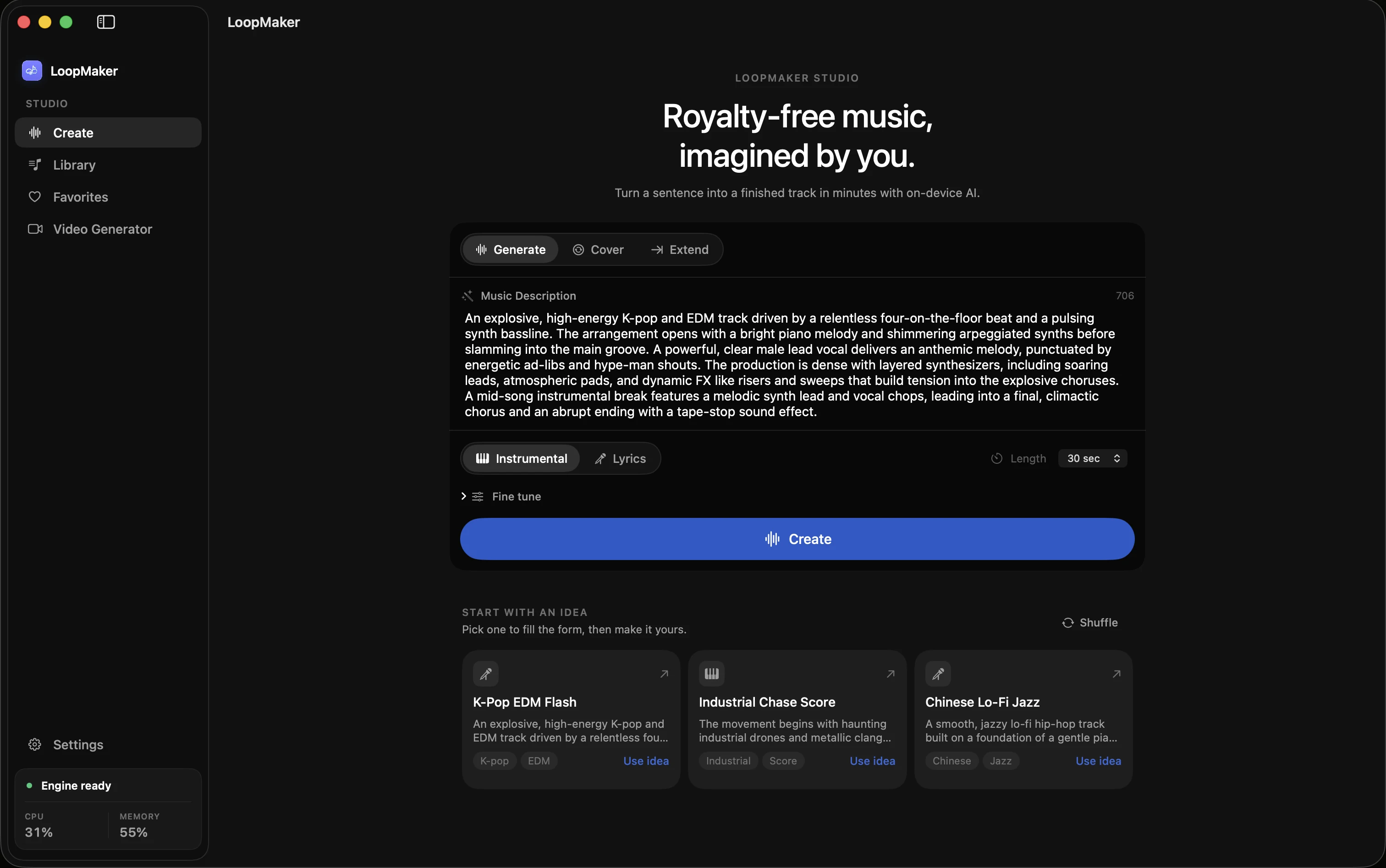
If you want to build a music library for streamers that is safe for monetized or branded Twitch channels, look for tracks licensed for commercial use with no attribution required. Some paid libraries sell perpetual licenses for stream and VOD use. AI music generators like LoopMaker run locally and do not require third-party rights clearance, but you still need to review the terms for export and distribution. Always check the license for each track, rather than relying on the library alone.
Avoid playlists or packs advertised as universal or safe for all platforms. Twitch, YouTube, and other services each have their own copyright detection and enforcement systems. What is safe for one platform may trigger claims on another. If you run a brand channel or monetize your stream, budget for a paid license or use tools that generate music locally and give you clear, documented rights. Keep a spreadsheet of tracks, licenses, and any proof of purchase.
- Use commercial-licensed tracks only
- AI generation can be safer if terms are clear
- Track licenses in your own records
Frequently asked questions
What does no copyright music mean?
No copyright music usually means the creator has given permission for certain uses but still retains some rights. Most tracks are not truly copyright free or in the public domain. You will find conditions such as requiring credit, banning commercial use, or limiting editing. Always read the license details before using any so-called no copyright or non copyrighted music for Twitch.
Can I play NoCopyrightSounds on Twitch?
You cannot assume all NoCopyrightSounds tracks are safe for Twitch. NCS has its own license terms, Content ID behavior, and rules about commercial use and branding. Some tracks may be safe for personal streams but not for monetized or sponsored content. Always check the current NCS terms and per-track details on their site before using any of their music on your Twitch channel.
Is non copyrighted music safe for monetized streams?
Not always. Most non copyrighted music for Twitch is released under licenses that prohibit commercial use or require attribution. If your channel is monetized through ads, subs, or sponsorships, you must check each track's license to be sure it allows commercial streaming. Use only tracks with explicit commercial rights and keep a record of each license for your protection.
Do I need to credit no copyright music on stream?
Usually, yes. Many free Twitch music tracks require visible credit on your stream or in your stream description. This is a common term for Creative Commons BY and some library licenses. Failing to credit as required can result in loss of rights or DMCA issues. Always check the license for each track and follow the attribution rules exactly to stay safe.
Sources and testing notes
- Twitch DMCA and copyright FAQ — First-party explanation of DMCA notices, strikes, and retractions.
- Twitch Community Guidelines — First-party rules on rights for music and other streamed content.
- U.S. Copyright Office: Music and copyright — Primary-source explanation that compositions and recordings are separate works.
- Creative Commons Attribution-NonCommercial 4.0 — Primary license page showing the noncommercial condition.
- LoopMaker product pages and current guardrails — checked September 27, 2026. This entry describes practical starting points, not guaranteed output or rights.
Build a Safe Stream Music Library
Do not risk your Twitch channel with unclear music terms. Verify every track, keep records, and choose sources with clear commercial rights. Your stream's safety is worth the extra step.