Creator workflow
Royalty Free Music for Vlogs: Building Consistent Beds
Vloggers need music that is cheap, fast, and consistent. Build a small bed system for your vlogs, manage copyright claims, and keep your archive safe and organized.

Tarun YadavPublished September 27, 2026 · 6 min read · Search intent: informational
The short answer
Most vloggers use royalty free music libraries or generate custom beds to cover daily uploads. Building a small set of reusable beds saves time, keeps your archive claim-free, and ensures tone consistency. A bed system lets you vary energy, duck under voice, and rotate cues as your channel grows. This workflow works well for travel vlogs, daily uploads, and episodic content where music needs to be consistent and quickly available.
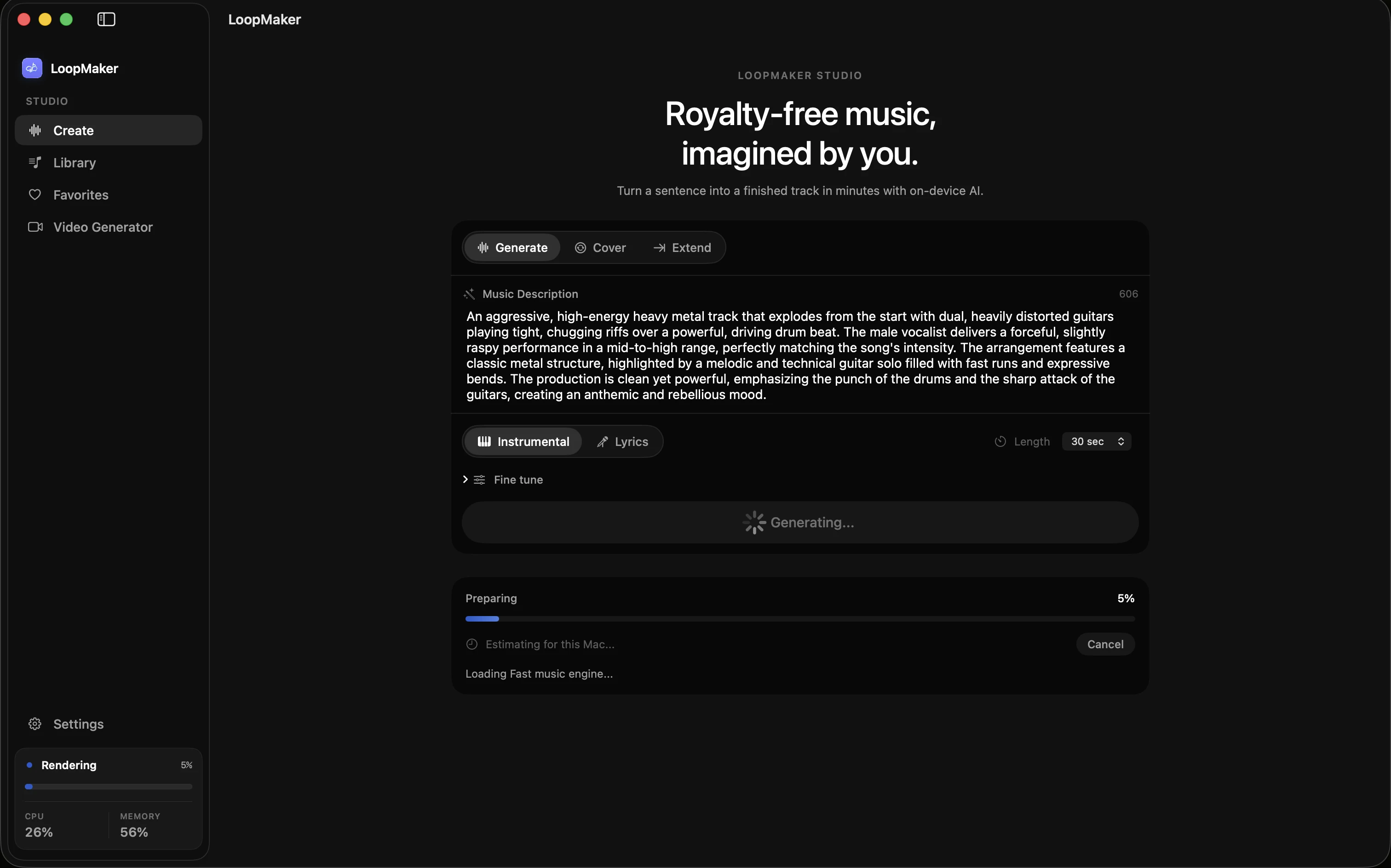
You upload vlogs regularly, sometimes every day. Sourcing new royalty free music for vlogs each time is slow and unpredictable. Consistency in music keeps your videos recognizable, makes editing faster, and reduces copyright risk. A bed system lets you reuse a small set of tracks, mapped to your brand and video structure. LoopMaker and similar tools can generate these beds locally, saving you time and keeping your workflow stable.
Every segment of a vlog needs a different energy. Intros may need a quick burst, montages want steady movement, and outros should wind down. Reusing one track for every segment gets dull fast, but a small bed system lets you rotate cues, vary energy, and avoid repetition. This approach works for travel vlogs, daily uploads, and channels archiving hundreds of episodes. It also helps keep copyright claims minimal by sticking to beds you can control.
Why royalty free music for vlogs needs a bed system
Vlogs thrive on routine. Reusing one-off tracks might seem easy, but that approach quickly creates problems. Music tone jumps around, editing slows down, and the risk of copyright claims rises as you pull from scattered sources. A bed system is a reusable set of tracks that match your vlog's mood and pacing, making editing predictable and fast. You spend less time searching, and more time cutting footage and crafting stories for your audience.
With a small system, you can rotate three to five signature beds, each with energy variations for intro, montage, and outro. These beds act as your channel's musical identity. They can be generated using local tools like LoopMaker or sourced from reputable royalty free libraries. Reusing beds also improves viewer recognition. Over time, your audience will associate your sound with your channel, building brand consistency and making your editing much more efficient.
- Save editing time
- Reduce copyright risks
- Build brand recognition
Energy mapping: intro, montage, outro
Each vlog segment needs its own musical energy. A punchy, upbeat cue for the intro grabs attention in the first 10 seconds. Montages, such as travel shots or daily routines, work best with steady, mid-energy beds that do not overpower visuals. Outros should bring the energy down and signal closure. Map your reusable beds to these segments: three cues with intro, montage, and outro versions give you nine rotation options to keep things fresh across episodes.
Varying energy involves more than adjusting tempo. For intros, try higher-pitched percussion or a quick fade-in. Montages benefit from loopable textures or light melodic hooks. For outros, filter out high frequencies and drop percussion for a sense of calm. Adjusting mix, instrumentation, or arrangement on each bed creates subtle but effective variation. Tools like LoopMaker let you clone beds and tweak energy levels without changing your channel's sound signature.
- Intro: high energy, short
- Montage: steady, loopable
- Outro: soft, resolved
Reusing beds without sounding repetitive
Rotating beds can sound stale if you do not make small changes. Start by exporting variations: mute a track, change an instrument, or swap a melody line. For daily vlog music, try shuffling instruments or remixing the arrangement every few episodes. Duck music volume under dialogue to keep the bed present but not distracting. Export both full and stems versions so you can re-balance in your editor depending on each video's needs.
Use three to five beds, each with two or three variations. Map these to your typical segments: one for travel montage, one for sit-down talk, one for outro. Rotate beds and variations in a fixed cycle so no two consecutive episodes sound the same. Spacing out repeats keeps your music library small but effective. This approach lets you stay consistent without drawing attention to reuse and keeps your workflow fast.
- Mute tracks for variation
- Shuffle instruments
- Cycle beds by episode
Keeping claims off a growing archive
Copyright claims can disrupt your income and take videos down months after upload. To keep your archive safe, use beds you control. Generate them locally or license from vetted libraries. Always keep documentation, including license receipts, claim waivers, and original export files. Store attribution info for each bed and track which videos use which cues. This paper trail helps you respond quickly if a platform flags your music later.
For each upload, double-check the platform's latest music policy. Some sites change their rules or detection models. Use consistent naming and metadata in your exports so you can trace beds if a claim pops up. Avoid using public domain or "free" tracks without clear origins, since these are often re-claimed by other users. For travel videos or daily uploads, consistency and control are more important than novelty in your background music.
- Keep license docs organized
- Track usage per episode
- Use consistent metadata
Frequently asked questions
Where do vloggers get royalty free music?
Vloggers source royalty free music from commercial libraries, free collections, or by generating their own beds with tools like LoopMaker. Commercial libraries often require attribution or ongoing subscription. Generating your own beds locally with a tool like LoopMaker gives you more control and reduces claim risk. Always review the license rules for each music source, as terms may change. Check the original provider for the latest rights and usage details.
Can I reuse the same song across many vlogs?
Yes, you can reuse the same song or bed across multiple vlogs, especially if you have the rights or generated it yourself. To avoid sounding repetitive, export two or three variations for each bed and rotate them by segment or episode. Many successful vloggers use a small set of signature beds across hundreds of uploads. Consistency builds your channel's audio identity and saves editing time.
How loud should vlog background music be?
Set vlog background music lower than your voice by at least 10 decibels. Your voice should always be clear and easy to hear. Duck the music during talking segments, raising it only for visuals or montage. Test playback on phones and laptops to catch issues. Export both full and stems so you can rebalance as needed. Consistent music levels across episodes keep your archive sounding professional and easy to watch.
How do I avoid copyright claims on daily uploads?
Use only music you control: generate your own beds or license tracks from reputable royalty free libraries with a clear history. Keep all documentation, including licenses and receipts. Tag your uploads with correct attribution if required. Avoid "free" tracks with unclear origins. Check platform policies before each upload, since detection systems may change. A small, controlled bed system gives you faster responses if claims appear and helps protect your archive.
Sources and testing notes
- YouTube copyright basics — First-party explanation of claims, strikes, and permitted uses.
- YouTube Creator Music guidance — First-party YouTube music-library and licensing context.
- LoopMaker BPM tapper — Browser-side tempo check that pairs with prompt and edit work.
- LoopMaker product page — Current pricing, Apple-silicon guidance, and export formats.
- LoopMaker product pages and current guardrails — checked September 27, 2026. This entry describes practical starting points, not guaranteed output or rights.
Try LoopMaker for beds
Build your own royalty free beds with LoopMaker. One-time $49 license. Local generation for Apple Silicon Macs. Check the product site for the latest details and system requirements.