Choosing a music generator
How AI music YouTube Channels Actually Operate
AI music YouTube channels can run at high volume, but there are workflow bottlenecks, evolving policies, and disclosure rules you need to understand before launching a viable faceless music channel.

Tarun YadavPublished September 25, 2026 · 6 min read · Search intent: informational
The short answer
AI music YouTube channels use local or cloud music generators, batch rendering, and scheduled uploads. Operators need to track YouTube's evolving copyright and AI disclosure rules. Upload volume is high, but quality and metadata management become weak at scale. Most rely on faceless branding, with some using music visualizers or simple static art. Workflow efficiency depends on hardware, generator, and chosen output style.
AI music YouTube channels are everywhere now. Anyone with the right software or cloud access can bulk-generate tracks and schedule uploads. But running a sustainable AI generated music channel is less set-and-forget than it looks. You need to balance volume, curation, and compliance with YouTube's music-only content policies, which shift often. Automation helps, but there are real limits. Understanding these will save hours and prevent channel shutdowns or demonetization.
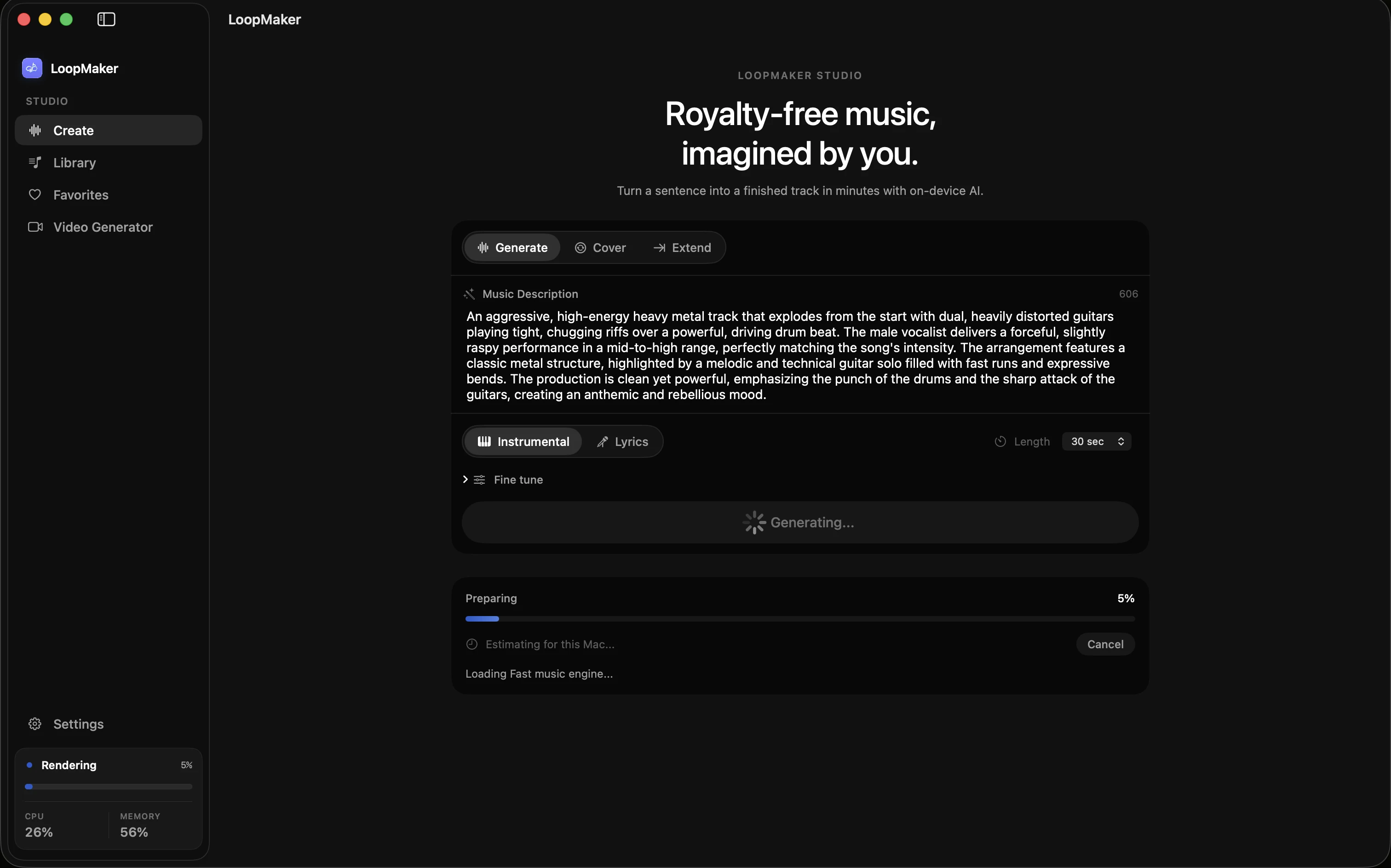
Most faceless music channels rely on a mix of automated and manual steps. You still need to check for glitches, keep metadata accurate, and stay up to date with YouTube AI disclosure requirements. Generators like LoopMaker let you run music locally on your Mac, which helps avoid copyright headaches tied to cloud models. However, even with fast hardware, the bottleneck is often workflow, rather than only raw generation speed.
How AI music YouTube channels actually operate
AI generated music channels on YouTube often use local tools like LoopMaker or cloud-based generators to create batches of tracks. Operators queue up multiple renders, then select usable results for upload. Much of the process is automated: scripts can tag files, create simple visuals, and schedule uploads. But every stage from listening to titles requires human review. The workflow is closer to assembly-line curation than true set-and-forget automation.
A typical YouTube AI music workflow includes generation, curation, visual creation, metadata entry, and scheduling. Some creators use template-based visuals or AI video tools, while others stick to static images. Metadata is critical: you need consistent track names, genre tags, and accurate descriptions. Operators often batch 10-50 tracks a week, but only publish the best. Most channels avoid vocals due to copyright risk and complexity.
- Batch generation and curation
- Metadata and visual asset automation
- Manual review of every final upload
Volume, cadence, and where quality collapses
The appeal of AI music generation is scale. Some faceless music channel operators create hundreds of tracks per month. Yet quality drops fast if you chase volume over curation. Listeners spot repetition, off-key moments, or clumsy transitions. Even with a fast Mac and LoopMaker, you spend more time filtering out low-quality or nearly identical tracks than actually uploading. Cadence matters: three to five uploads per week is common for sustainable growth.
If you try to upload 30 tracks per week, you run into both YouTube's mass-produced content policies and your own bandwidth for curation. Listeners will quickly recognize lazy output. Claims and copyright flags spike with more uploads. The real limit is your attention to detail. Many channels plateau or lose monetization after a flood of generic content. Fewer, higher-quality uploads get better long-term results and fewer policy strikes.
- Upload three to five tracks weekly
- Quality drops with bulk automation
- Listeners prefer curation over quantity
Metadata and disclosure expectations
Metadata is your first defense against claims and policy issues. YouTube expects clear titles, descriptions, and genre tags. Include details like "AI generated music" or the specific tool used, especially if your music mimics human performance. As of June 2024, YouTube requires disclosure of realistic synthetic content, and music-only policies are under review. Music channels must also avoid misleading thumbnails or titles. Check the latest YouTube Help pages before uploading.
Some AI generated music channels try to avoid disclosure, but this risks strikes or takedowns. YouTube's AI content policy (see support.google.com/youtube/answer/13863402) states that AI-generated music realistically imitating humans must be disclosed. For basic instrumental or ambient tracks, disclosure is still recommended. Metadata consistency helps you track issues and defend your channel if claims arise. Disclosures can be simple and direct, without over-explaining.
- Accurate genre and tool tags
- Required disclosure for realistic AI music
- Check policy updates before release
A sustainable workflow for one person
Running a faceless music channel alone means choosing your battles. Local tools like LoopMaker offer batch generation and let you queue jobs on a Mac, but you must still curate, tag, and schedule yourself. A practical workflow is to generate ten tracks per session, curate three strong ones, and schedule them across the week. Use templates for visuals and metadata. Keep a log of claims and strikes to spot patterns.
Sustainability depends on restraint and regular review. Avoid chasing daily uploads. Instead, focus on a repeatable weekly cadence you can manage: three to five uploads, each with checked metadata and disclosure. Audit your own output monthly for repetitive patterns or flagged tracks. Update your workflow as YouTube policies evolve. A single operator can run a viable channel, but only by prioritizing curation and compliance over speed.
- Batch then curate, do not upload everything
- Use templates for visuals and metadata
- Review claims log monthly
Frequently asked questions
Are AI music channels on YouTube allowed?
Yes, AI generated music channels are allowed on YouTube, but you need to follow evolving policies. YouTube reviews channels for originality and mass-produced content. You must comply with copyright law, avoid misleading metadata, and disclose realistic synthetic media as required. See support.google.com/youtube/answer/13863402 for current details and re-check before launching your channel.
Do I need to disclose AI-generated music on YouTube?
If your channel publishes music that could be mistaken for real musicians or singers, YouTube now requires disclosure of AI involvement. Even for instrumental tracks, disclosure is recommended for transparency and policy compliance. Include a clear note in your track description, such as "This music was generated with AI." Check the YouTube Help pages for the latest requirements.
How many tracks do AI music channels upload?
Most AI music YouTube channels upload three to five tracks per week. Some bulk operators try for daily or even multiple daily uploads, but quality and listener retention usually collapse at higher volume. Uploading fewer, more curated tracks reduces policy risks and increases your chances of building a real subscriber base.
Can an AI music channel be monetized?
Monetization is possible but not guaranteed. You must meet YouTube Partner Program requirements, avoid copyright claims, and follow all disclosure rules. YouTube reviews channels for originality and may demonetize those considered mass-produced or low-value. Monetization policies are always subject to change, so check the official YouTube guidelines before applying.
Sources and testing notes
- YouTube copyright basics — First-party explanation of claims, strikes, and permitted uses.
- YouTube Creator Music guidance — First-party YouTube music-library and licensing context.
- Google helpful content guidance — Search guidance on first-hand value, authorship, and audience fit.
- U.S. Copyright Office AI report, Part 2 — Primary-source summary of copyrightability principles for AI-generated material.
- LoopMaker product pages and current guardrails — checked September 25, 2026. This entry describes practical starting points, not guaranteed output or rights.
Try LoopMaker Locally
Want to explore AI music on your Mac? LoopMaker runs locally, without subscriptions or generation credits. Check system requirements and current features on the official site before you start your own channel.