Choosing a music generator
Choosing a Stable Audio alternative on Mac
Stable Audio users weigh API cost, self-hosting work, and packaged Mac apps for music generation. Here is a practical guide to local audio generation and workflow control on Mac.

Tarun YadavPublished October 1, 2026 · 6 min read · Search intent: commercial
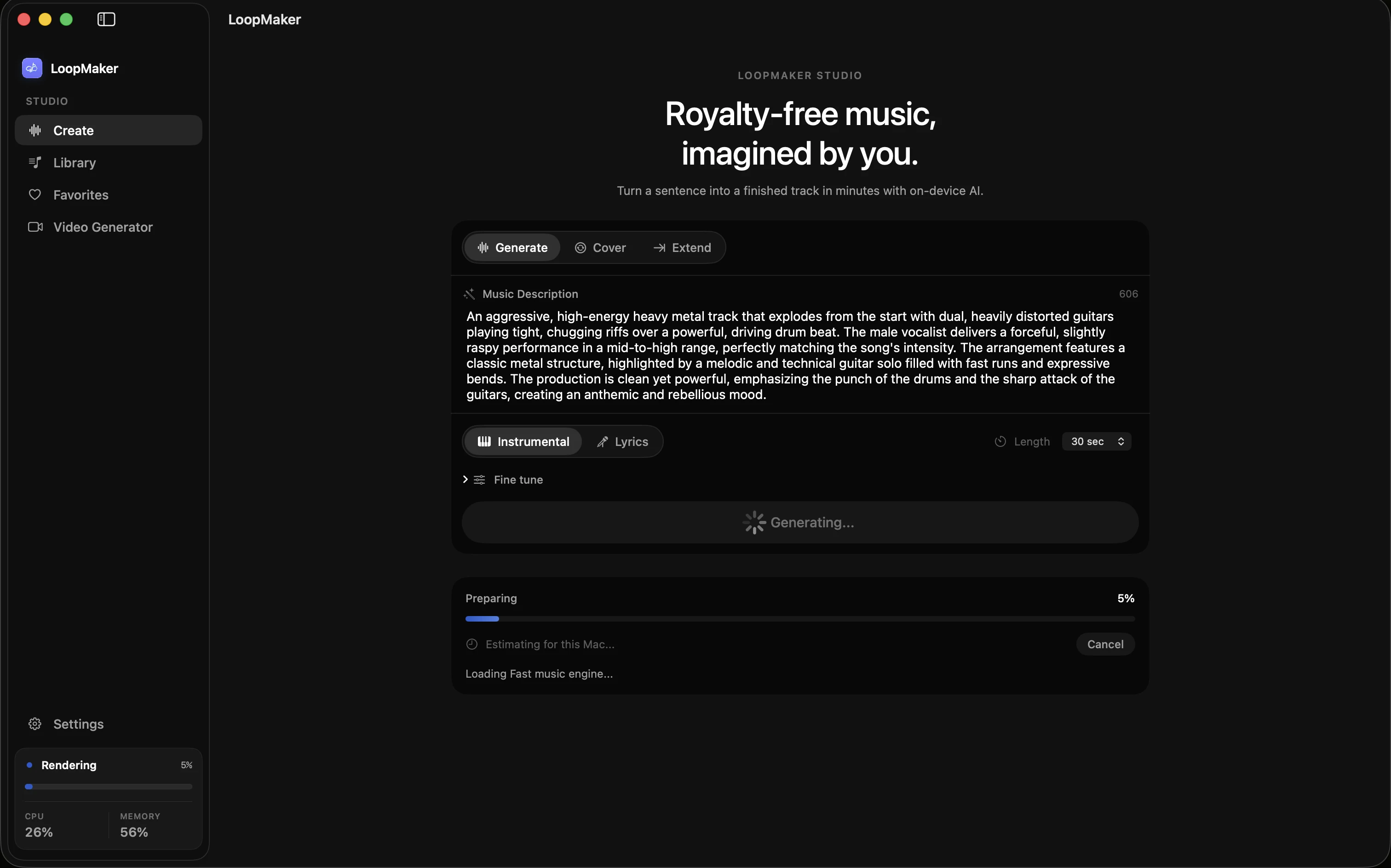
The short answer
Stable Audio alternatives fall into three practical categories: API services, self-hosted open models, and packaged Mac apps like LoopMaker. Each has tradeoffs around cost, setup, and workflow. API models can be fast but costly. Self-hosting offers control but needs technical skill. Packaged apps trade flexibility for reliability. Evaluate what fits your workflow and check current project pages for updated features and terms.
Stable Audio is a commercial API for music and audio generation. Users look for alternatives for three main reasons: the cost of API calls, the complexity of self-hosting open-source models, and the need for more control over their workflow. Each path offers different tradeoffs. API services can be fast and maintained, but prices and terms change. Self-hosted and local Mac apps promise privacy and cost control, but require setup and hardware that meets real-world needs.
When you compare Stable Audio alternatives, you face three main options. First, API services that charge per generation or by subscription. Second, upstream open models that you install on your own Mac, often with developer-level requirements. Third, packaged Mac apps like LoopMaker, which bundle models and provide a native interface. Each category solves different jobs. None are identical. Benchmarking is only part of the story, since real workflows depend on setup, cost, and integration.
Why Stable Audio users look around
Many Stable Audio users reconsider their options when API pricing changes or their needs outgrow the service. For example, Soundful and Boomy both offer APIs, but pricing tiers, credit systems, and usage limits shift with little notice. Workflow requirements also matter. If you need offline or batch processing, or want to avoid per-generation costs, local solutions look more attractive. Privacy and content control are other key reasons to seek a Stable Audio 3 alternative.
The push to evaluate alternatives often comes from practical pain points. For instance, a monthly bill that grows with usage, or a project deadline missed due to API rate limits. Some users also want to experiment with model parameters or integrate tools into custom pipelines. Others need local rendering for sensitive commercial projects. Not everyone wants to manage hardware, but many want more say over cost, reliability, and the creative process.
- API price hikes or credit limits
- Need for local control or privacy
- Workflow integration and flexibility
API versus self-hosted versus packaged
API-based music generators handle the heavy lifting on remote servers. You pay per generation or by subscription, and updates are managed for you. Self-hosted open models, like those on Hugging Face or GitHub, put you in control but demand technical skill and hardware. Packaged Mac apps like LoopMaker bundle models, simplify setup, and provide a user-friendly interface. Each approach offers different tradeoffs in cost, flexibility, and required effort.
Comparing these categories shows clear differences. APIs provide the latest models and minimal setup, but you depend on an evolving pricing model and steady internet. Self-hosting upstream models can remove per-use costs and offer deep customization, but require 16 GB to 48 GB RAM for practical use and regular manual updates. Packaged apps like LoopMaker offer a middle path, trading raw configurability for a stable, supported workflow.
- API is fastest to start, but variable cost
- Self-hosted is flexible, needs setup
- Packaged app is stable, less configurable
What self-hosting actually takes
Running a local audio generation model is not plug-and-play. Most upstream models require macOS 13 or later and at least 16 GB of RAM, with 24 GB or more preferred for realistic performance. You install Python, download large model weights (often 3 GB to 10 GB), and resolve dependencies. Command-line tools are standard, and patching or updating means tracking upstream changes. Some projects need extra setup for web or API access.
Self-hosting also means you accept the risk of project abandonment or breaking updates. For example, MusicGen and AudioLDM have seen sudden API changes and shifting dependencies. If you want to queue jobs, monitor progress, or export in formats like WAV or M4A, you may need to script or install extra utilities. Community support exists but is inconsistent. For non-developers, the learning curve is real and ongoing.
- 16-48 GB RAM needed for practical local use
- Frequent manual updates and fixes
- Model weights use 3-10 GB storage
Choosing a Stable Audio alternative by job
Benchmarks do not capture workflow needs. If you want fast, reliable instrumental sketches for local editing, a packaged Mac app like LoopMaker may be best. For batch jobs or server integration, self-hosted models can fit, if you accept the setup work. APIs remain best for quick, polished demo vocals or finished tracks when cost is less critical. Choose based on the job you need to solve, rather than just model scores.
For example, LoopMaker is strong at generating instrumental loops and temp scores directly on Apple Silicon Macs. You pay $49 once, download the model, and render locally after activation. API services remain ahead for long, polished vocal songs and up-to-the-minute model improvements. Self-hosting gives you maximum control if you want to experiment or automate, but only if you have time to maintain your setup.
- Packaged app best for local sketches and loops
- API excels at vocal demos and polish
- Self-host for automation and control
Frequently asked questions
What is the best Stable Audio alternative?
The best Stable Audio alternative depends on your workflow. If you want local control and no generation credits, LoopMaker is a packaged Mac app for Apple Silicon, priced at $49 one-time (see loopmaker.app for current details). For deep customization, self-hosting open models like AudioLDM or MusicGen is an option, but requires setup. API services offer speed and polish but costs and features change frequently.
Can Stable Audio run locally on a Mac?
Stable Audio itself is not available for local Mac use. However, you can run open-source models on your Mac if you have 16 GB or more RAM and are comfortable with developer tools. Packaged apps like LoopMaker handle setup and updates, running models locally after initial activation. Always verify hardware requirements and licensing terms from the official project pages before you commit.
Is self-hosting an audio model cheaper than an API?
Self-hosting can reduce per-generation costs if you already own suitable hardware. There are no API fees, but you invest time in setup and maintenance. Some open models are free, but storage and updates are your responsibility. API services shift these costs to subscription or per-use fees. Always check current pricing, model access, and hardware costs before deciding.
Which alternative is easiest for non-developers?
For non-developers, a packaged Mac app like LoopMaker is usually the easiest alternative. It handles model downloads, updates, and provides a native interface. You pay once and generate locally after setup. API services come next in ease, but you still need to manage accounts and credits. Self-hosting open models is least accessible unless you are comfortable with command-line tools and ongoing system maintenance.
Sources and testing notes
- Stability AI pricing — Usage-based API pricing context for hosted generation.
- Stable Audio 3 — Upstream project notes including Apple-silicon local paths.
- MLX documentation — Apple's machine-learning framework used for local execution on Apple silicon.
- Apple Activity Monitor memory guide — First-party guidance for reading memory pressure on a Mac.
- LoopMaker product pages and current guardrails — checked October 1, 2026. This entry describes practical starting points, not guaranteed output or rights.
Try local audio generation
Evaluate a packaged Mac app like LoopMaker if you want local music generation without API limits or developer setup. Check the latest details and hardware needs at the product site before you buy.