Creator rights
Royalty Free Music for YouTube Monetization: Claims and Revenue
Claims do not always kill your ad revenue, but they can reroute it. Learn how Content ID and documentation shape your options for music claims and monetization.

Tarun YadavPublished October 3, 2026 · 5 min read · Search intent: informational
The short answer
YouTube claims do not always block monetization, but they can redirect ad revenue away from you. Content ID scans both commercial and AI-generated music for matches. With good documentation and clear licenses, you can dispute claims faster. Choosing the right royalty free tracks and keeping good records helps you monetize videos with background music while reducing the risk of losing revenue.
Using royalty free music for YouTube monetization seems simple, but claims still surprise many creators. YouTube's Content ID system scans every upload for copyrighted audio. Even AI-generated or library tracks can trigger claims from false positives or overlapping samples. A claim does not always mean demonetization, but it does change how money from music for ad revenue routes. Understanding this process protects your channel and your payout.
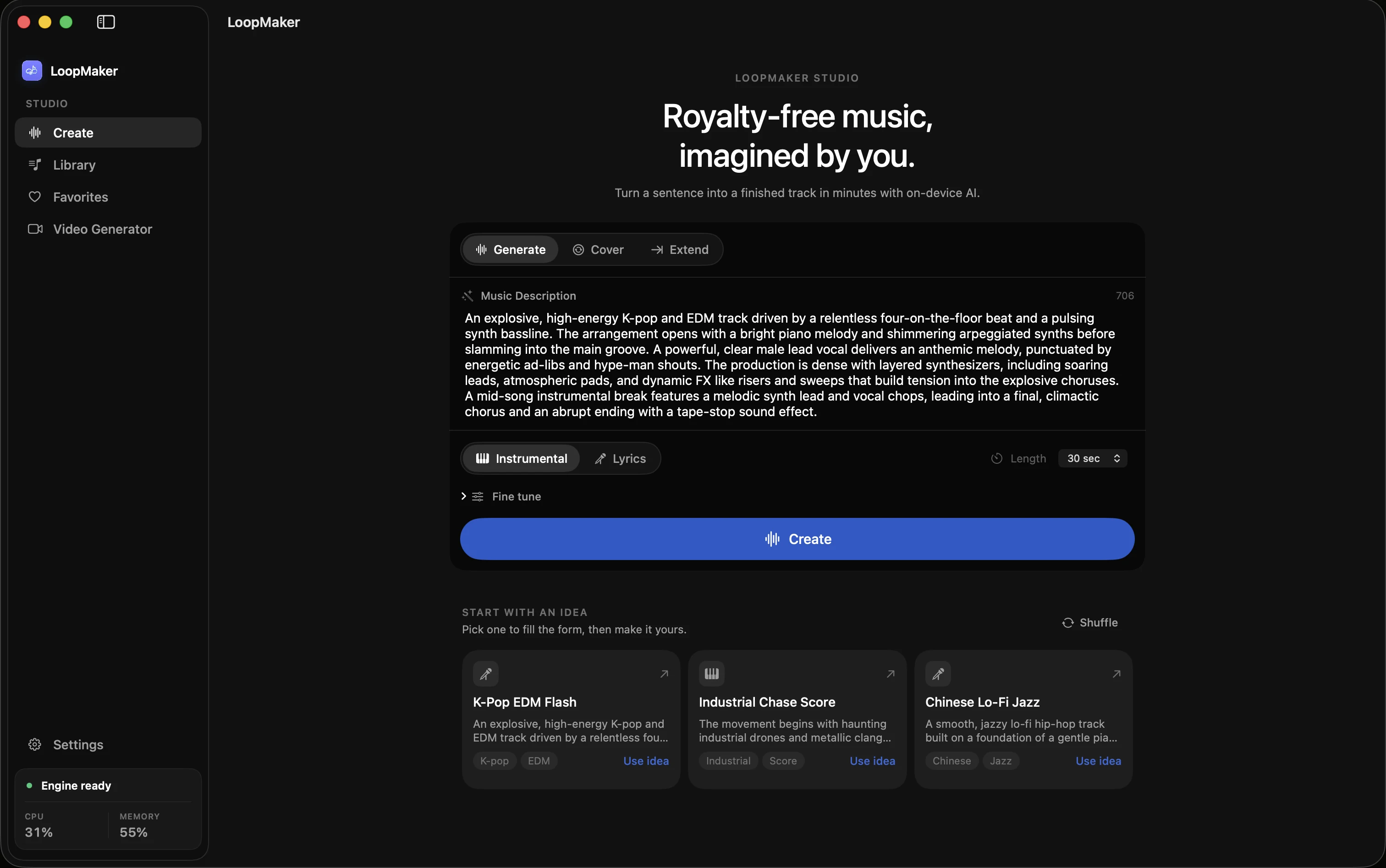
LoopMaker and similar local AI music tools give you more control, but Content ID's rules still apply. If you generate a loop or bed that matches a registered song, your video may get flagged. AI music registration is still rare, but more libraries are joining Content ID every month. To keep your revenue, you need to document your rights and know the options for dispute and trimming.
Claims, strikes, and revenue routing
A Content ID claim is not a strike. Strikes are serious and threaten your channel. Claims, on the other hand, often reroute ad revenue to the claimant until you resolve the issue. This means you may see your video stay public, but the revenue goes elsewhere. Claims can result from actual copyright matches, library registrations, or even mistakes in the Content ID system.
The claim process is automated. When Content ID finds a match, it attaches a claim and notifies you. You can dispute it, accept it, or use YouTube's trim tool to remove the flagged section. If you have a valid license or proof you created the music, you can usually resolve claims within a few days. Always check the claim details before reacting.
- Claims reroute revenue, not always block videos
- Strikes are more serious than claims
- Trim or dispute options exist
How Content ID treats generated audio
Content ID matches audio fingerprints, not intent. Even if you use AI-generated music, it may still trigger a claim if the model's output overlaps with registered content. Most AI music, including that from LoopMaker, is not in Content ID yet. Still, false positives happen, especially if you use popular chord progressions, public domain melodies, or samples built into multiple tools.
If your generated track gets flagged, review the claim details. Claims from large libraries or aggregators may be automated and resolved with documentation. If you use a tool like LoopMaker, keep export logs and project files. While AI music registration is limited, expect this to change as more companies submit their catalogs. Always double-check your music before uploading to avoid repeated claims.
- AI music can trigger claims by accident
- Registration of AI tracks is rare but growing
- Keep logs of your generations
Documentation that wins disputes
Good documentation speeds up claim disputes. You need clear proof of your right to use the music. This can include invoices, receipts, license certificates, or export logs from your music tool. For AI-generated tracks, keep a dated project file and the terms of use for the tool. YouTube's dispute form often asks for direct links to these documents, so keep them organized and ready.
Attach the correct documentation to your dispute. If you use LoopMaker, export a report showing the track was generated locally, along with the license terms. If you purchased a library track, include the PDF license and receipt. For public domain music, link to the source. Claims resolved with clear documentation usually return your ad revenue to you within a week.
- License receipts or export logs help disputes
- Dated project files show authorship
- Organize proof before uploading
Choosing royalty free music for YouTube monetization
Select music with known licensing and minimal risk of Content ID matches. LoopMaker's locally generated tracks reduce overlap, but not all AI tools are the same. Avoid songs built on famous hooks, widely used samples, or unlicensed stems. Use libraries that provide direct licenses and clear terms. Read the fine print to confirm you can monetize videos with background music for ad revenue.
Before uploading, scan your track with YouTube's "checks" tool. This flags most registered content before your video goes public. Save your export logs and license agreements. If a claim happens, dispute it with your proof. Choosing music for ad revenue is not about avoiding every claim, but about being ready with documentation. This keeps your monetization running smoothly over time.
- Avoid famous hooks and public samples
- Use music with documented licenses
- Run pre-upload YouTube checks
Frequently asked questions
Does background music affect YouTube monetization?
Yes. Background music can affect your ability to monetize videos, especially if the music is registered in Content ID. Royalty free music and AI-generated tracks reduce risk but do not eliminate it. If you use music without proper licensing, you may get a claim, which can reroute or block ad revenue. Always check terms and keep documentation for your tracks.
What happens when my video gets a music claim?
When your video gets a music claim, ad revenue is usually rerouted to the claimant until the dispute is resolved. The video may remain public, but you cannot withdraw the earnings during the claim period. You can dispute the claim with proof of your license or authorship, or use YouTube's trim feature to remove the flagged section. Always review claim details before responding.
Can I monetize videos with royalty free music?
You can monetize videos with royalty free music if you have proper documentation and clear rights. Some royalty free tracks are registered in Content ID, so claims may still occur. If you provide proof of your license or purchase, you can dispute claims and restore your monetization. Always use trusted sources for royalty free music, and keep all receipts and license files.
Is AI-generated music safer for monetization?
AI-generated music is less likely to trigger claims, but it is not risk-free. Some AI models use public domain or widely available samples, which can overlap with registered tracks. Registration of AI music in Content ID is still rare, but it is increasing. Always keep logs of your AI generations and check the terms of your music tool for allowed uses.
Sources and testing notes
- YouTube copyright basics — First-party explanation of claims, strikes, and permitted uses.
- YouTube Creator Music guidance — First-party YouTube music-library and licensing context.
- U.S. Copyright Office: Music and copyright — Primary-source explanation that compositions and recordings are separate works.
- Google helpful content guidance — Search guidance on first-hand value, authorship, and audience fit.
- LoopMaker product pages and current guardrails — checked October 3, 2026. This entry describes practical starting points, not guaranteed output or rights.
Protect Your Ad Revenue
Use music with clear licensing, keep your documentation, and check every upload with YouTube's tools. Be prepared for claims and resolve them quickly to keep your monetization stable.